
The Answer to All Your Problems: Masking Basix
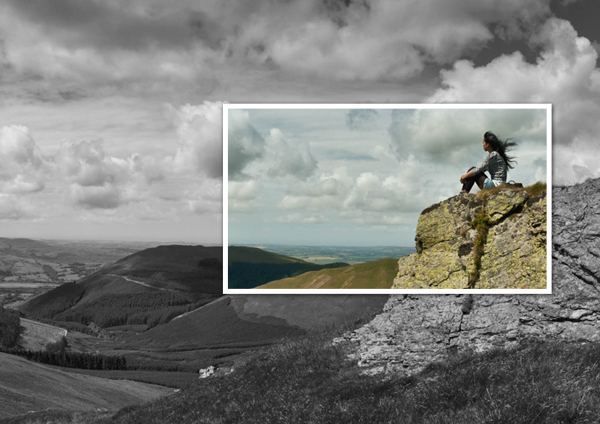
Final Product What You'll Be Creating
Are you new to Photoshop? Have you been trying to teach yourself the
basics of Photoshop but have found the amount of educational material
available on the net a bit overwhelming? As the world’s #1 Photoshop site,
we’ve published a lot of tutorials. So many, in fact, that we understand how
overwhelming our site may be to those of you who may be brand new to
Photoshop. This tutorial is part of a 25-part video series demonstrating
everything you will need to know to start working in Photoshop.
Photoshop Basix, by Adobe Certified Expert and Instructor, Martin
Perhiniak includes 25 short video tutorials, around 5 – 10 minutes in length
that will teach you all the fundamentals of working with Photoshop. Today’s
tutorial, Part 12: The Answer to All Your Problems: Masking
will explain how to save selections as layer masks and refine them using the
brush tool. Let’s get started!

No comments:
Post a Comment